Shoper revenue after discounts
Revenue after discounts feeds the store result.
Shoper
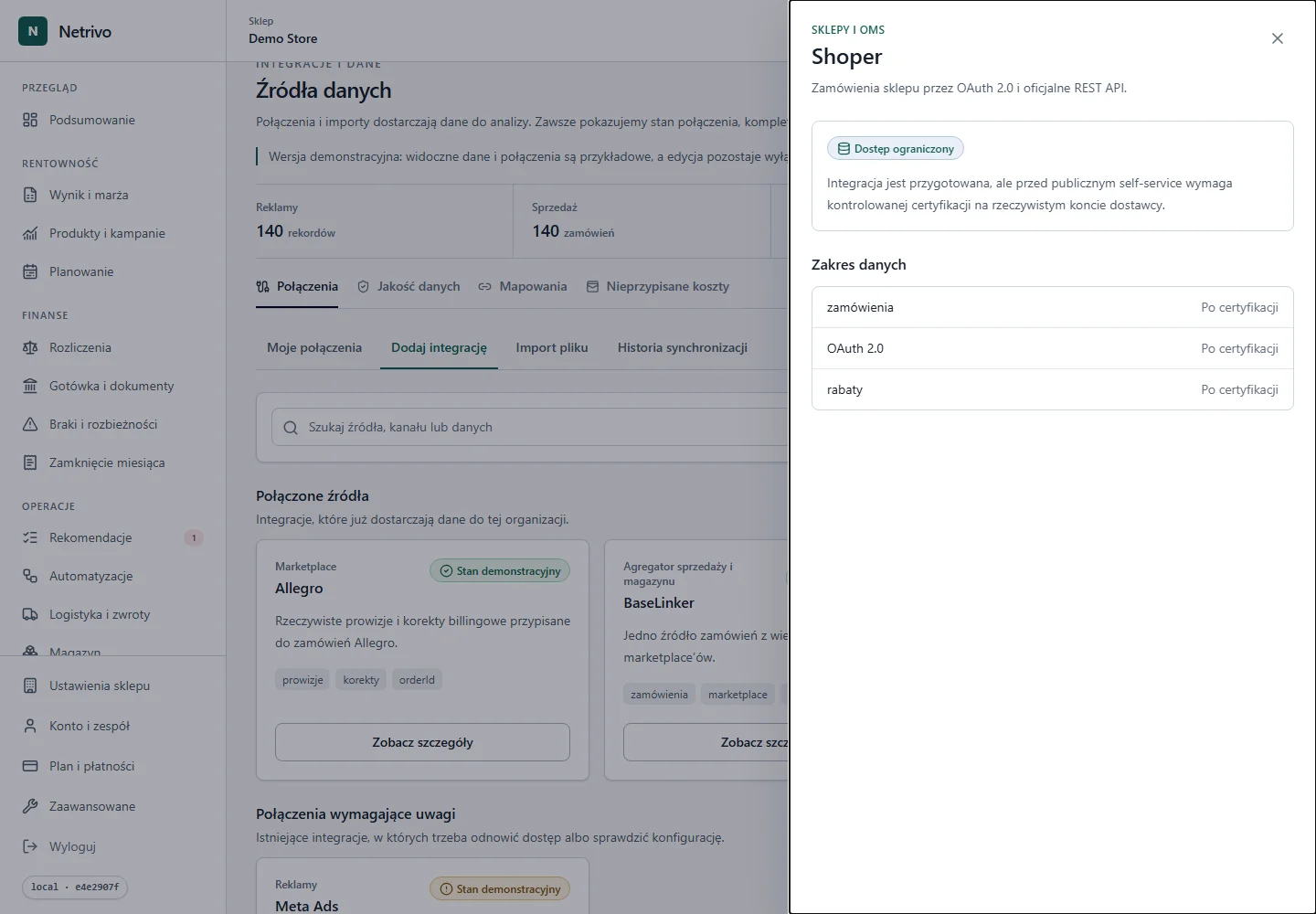
Limited accessOAuth 2.0 and the official REST API supply orders and discounts. Other costs require companion sources.
The connector has not completed live certification for public self-service.
Revenue after discounts feeds the store result.
Netrivo shows which Shoper evidence is missing in the selected period.
Lineage identifies the source and sync that changed the calculation.
Domain, Client ID and Client Secret initiate store authorization.
Orders and currencies are imported in a controlled range.
Revenue after discounts feeds the store result.
We show only fields actually supported by the integration. Not every account has to return every value.
| Data | Impact | Condition |
|---|---|---|
| zamówienia | “zamówienia” data is preserved within the provider contract and contributes to shoper revenue after discounts. | Only when returned by the source |
| OAuth 2.0 | “OAuth 2.0” data is preserved within the provider contract and contributes to shoper revenue after discounts. | Only when returned by the source |
| rabaty | “rabaty” data is preserved within the provider contract and contributes to shoper revenue after discounts. | Only when returned by the source |
OAuth 2.0 and the official REST API supply orders and discounts. Other costs require companion sources.
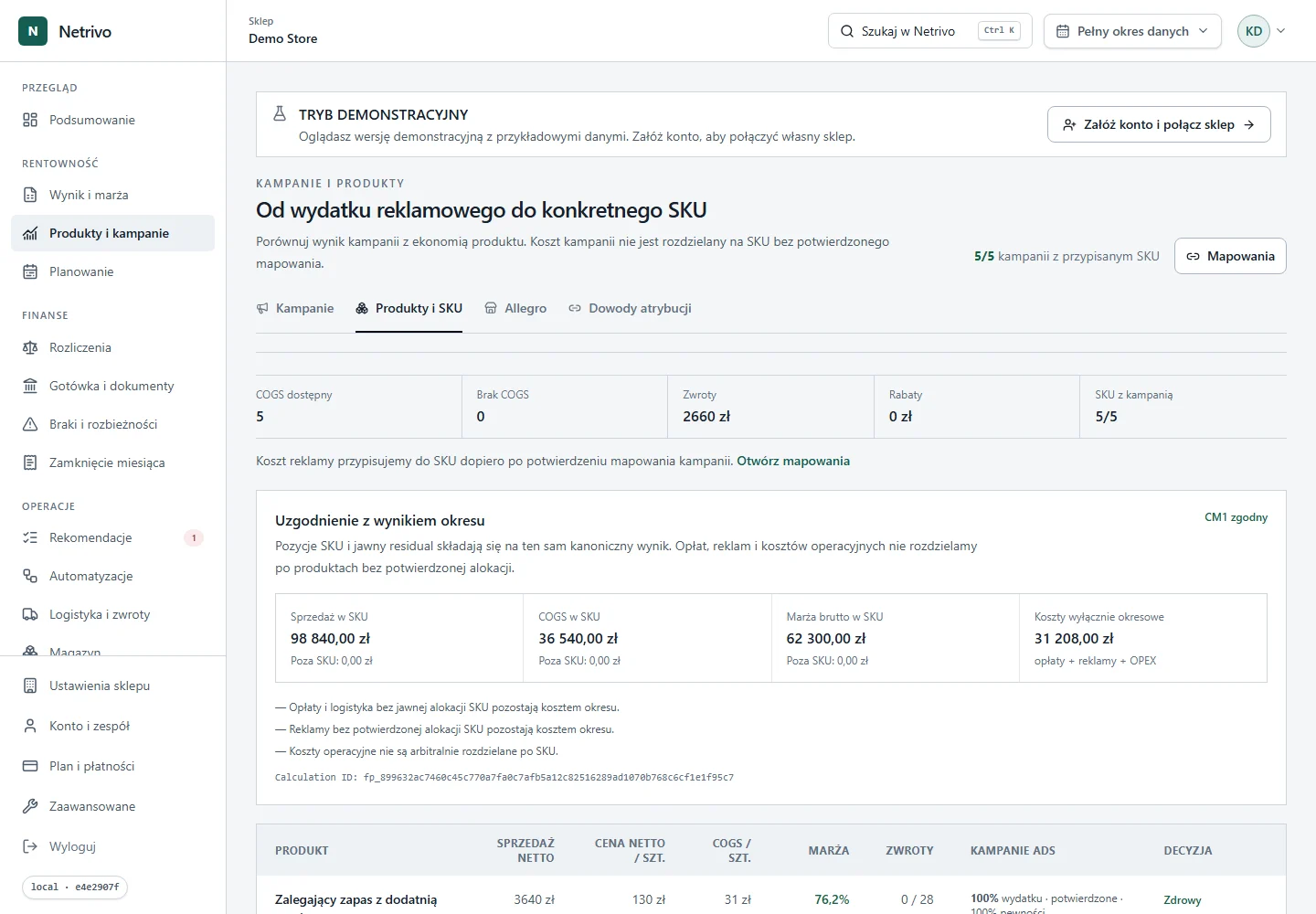
The connector has not completed live certification for public self-service.
The Shoper app needs order and currency read access; provide its domain and OAuth credentials.
Initial sync imports supported orders and later runs update the range incrementally.
Credentials are sent only to the backend and stored encrypted. Tokens and secrets are never placed in the browser, public logs or screenshots.
Check the app domain, Client ID, secret and granted OAuth scopes.
Public self-service live certification is incomplete.
The connector has not completed live certification for public self-service.