Compare Meta with Google
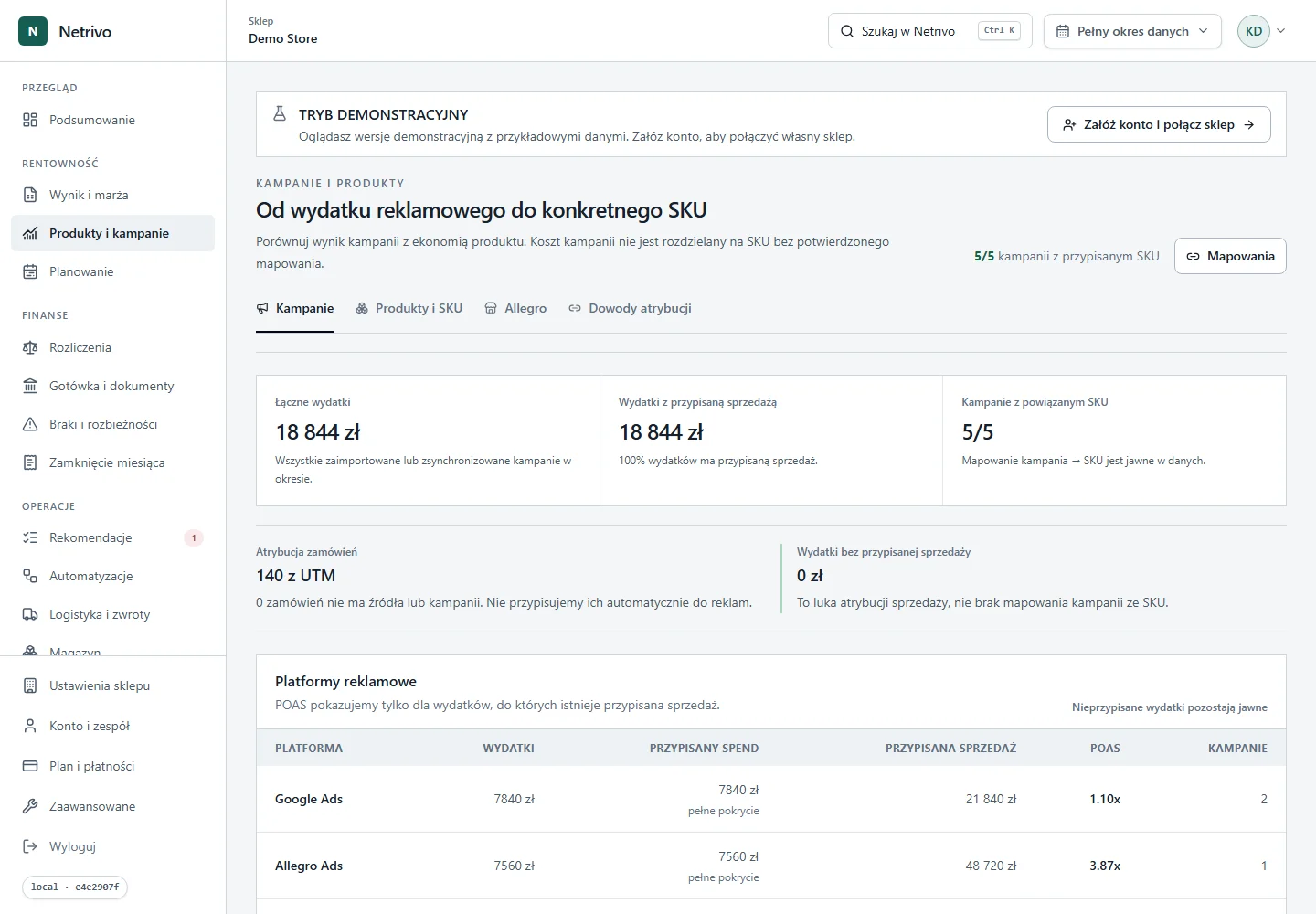
See spend and contribution for both channels in the same reporting currency.
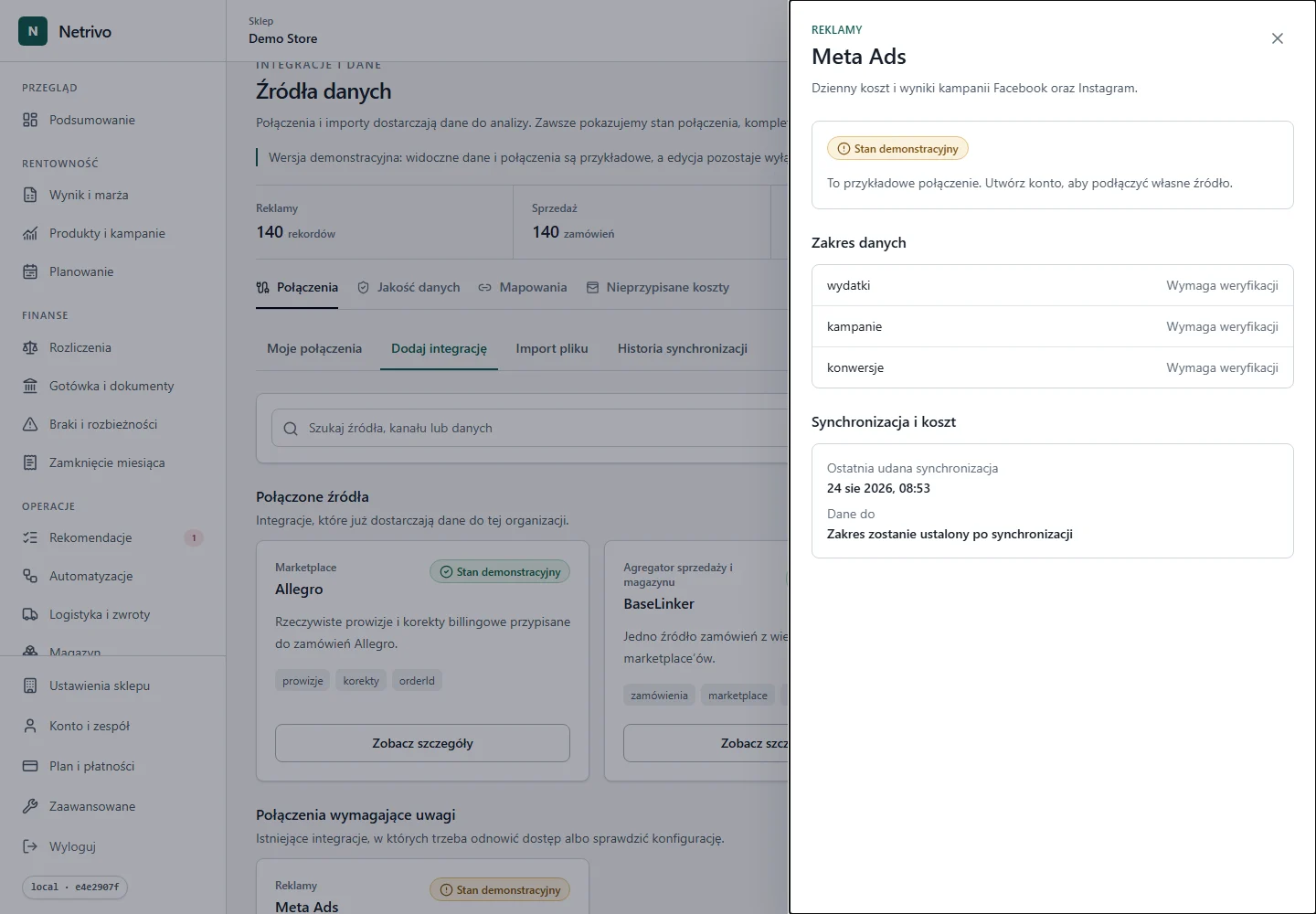
Meta Ads
Limited accessDaily campaign spend enters advertising analysis. Sales, COGS and returns come from other sources, so Netrivo also shows result completeness.
The connector has not completed live certification for public self-service.
See spend and contribution for both channels in the same reporting currency.
Separate authorization failure from no new data.
Join ad spend with sales contribution reduced by available returns.
The token and ad account ID define report scope.
Spend is imported by campaign and day.
Meta signals remain separate from store sales.
Advertising spend reduces campaign contribution once sales data is connected.
We show only fields actually supported by the integration. Not every account has to return every value.
| Data | Impact | Condition |
|---|---|---|
| wydatki | Daily advertising cost | Only when returned by the source |
| kampanie | Campaign comparison | Only when returned by the source |
| konwersje | Conversion context with attribution-model limitations | Only when returned by the source |
Spend can be compared with Google Ads and sales without a manual spreadsheet.
The result includes costs available in the workspace.
Expired authorization is a distinct state, not silent data loss.
The connector has not completed live certification for public self-service.
Choose Meta Ads, provide the ad account ID and token, then run the read test. Until live certification is complete, access may require controlled activation.
Synchronization uses daily reports in the supported range selected for the connection.
Credentials are sent only to the backend and stored encrypted. Tokens and secrets are never placed in the browser, public logs or screenshots.
Confirm token scopes, ad account access and its ID. After renewing the token, reverify the existing connection instead of creating a duplicate.
Public self-service awaits completion of live certification.
The connector has not completed live certification for public self-service.