Stop a campaign consuming margin
Compare ad spend with product contribution after COGS.
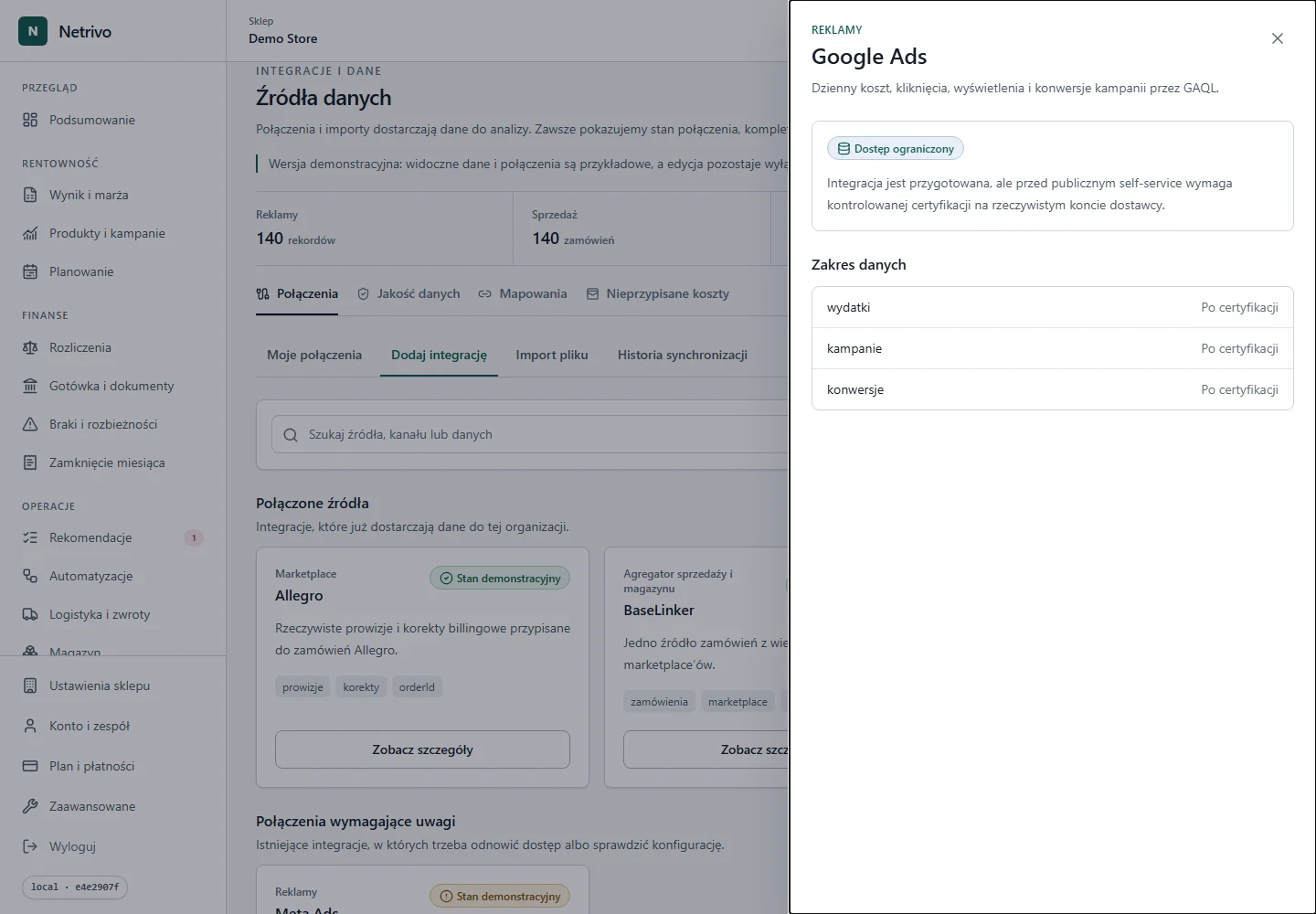
Google Ads
Limited accessNetrivo joins daily campaign spend with store revenue and costs. Google Ads supplies advertising spend; a complete result also needs a sales source and COGS.
The connector has not completed live certification for public self-service.
Compare ad spend with product contribution after COGS.
Detect spend for which the sales source supplied no result.
Check whether high attributed revenue still leaves contribution.
Customer ID, campaigns and daily spend enter through the Google Ads connection.
Dates and currencies are normalized before matching sales.
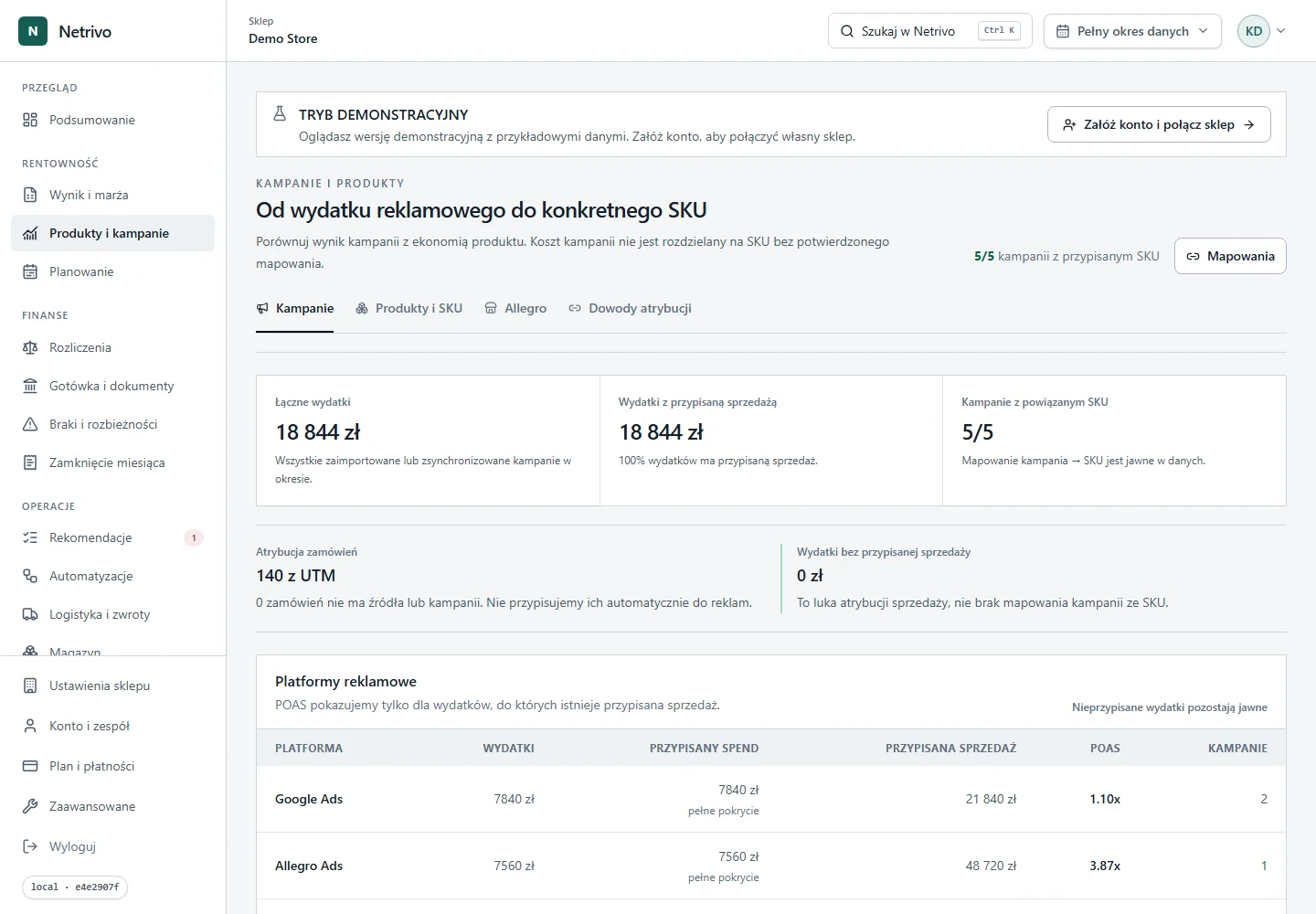
Ad spend is read together with revenue, COGS and transaction costs.
Netrivo shows POAS and the result after costs present in the data.
We show only fields actually supported by the integration. Not every account has to return every value.
| Data | Impact | Condition |
|---|---|---|
| wydatki | Advertising cost in campaign results | Only when returned by the source |
| kampanie | Campaign and daily comparison | Only when returned by the source |
| konwersje | Supporting signal; it does not replace store sales | Only when returned by the source |
Revenue less advertising spend and other available costs.
Campaigns are assessed through the result after costs, not attributed revenue alone.
Missing COGS or sales remains a gap, never zero.
The connector has not completed live certification for public self-service.
Choose Google Ads in the integration catalog, provide the Customer ID and required OAuth credentials, then run the server-side read-only test. Public self-service remains disabled until live certification is complete.
The adapter supports daily reports for a selected range. The exact horizon depends on account permissions and Google Ads limits.
Credentials are sent only to the backend and stored encrypted. Tokens and secrets are never placed in the browser, public logs or screenshots.
Check the Customer ID, developer token, refresh token and user access to the ad account or MCC. Then retry the test without treating an unverified connection as active.
The connector is code-ready, but live certification for public self-service is not complete.
The connector has not completed live certification for public self-service.