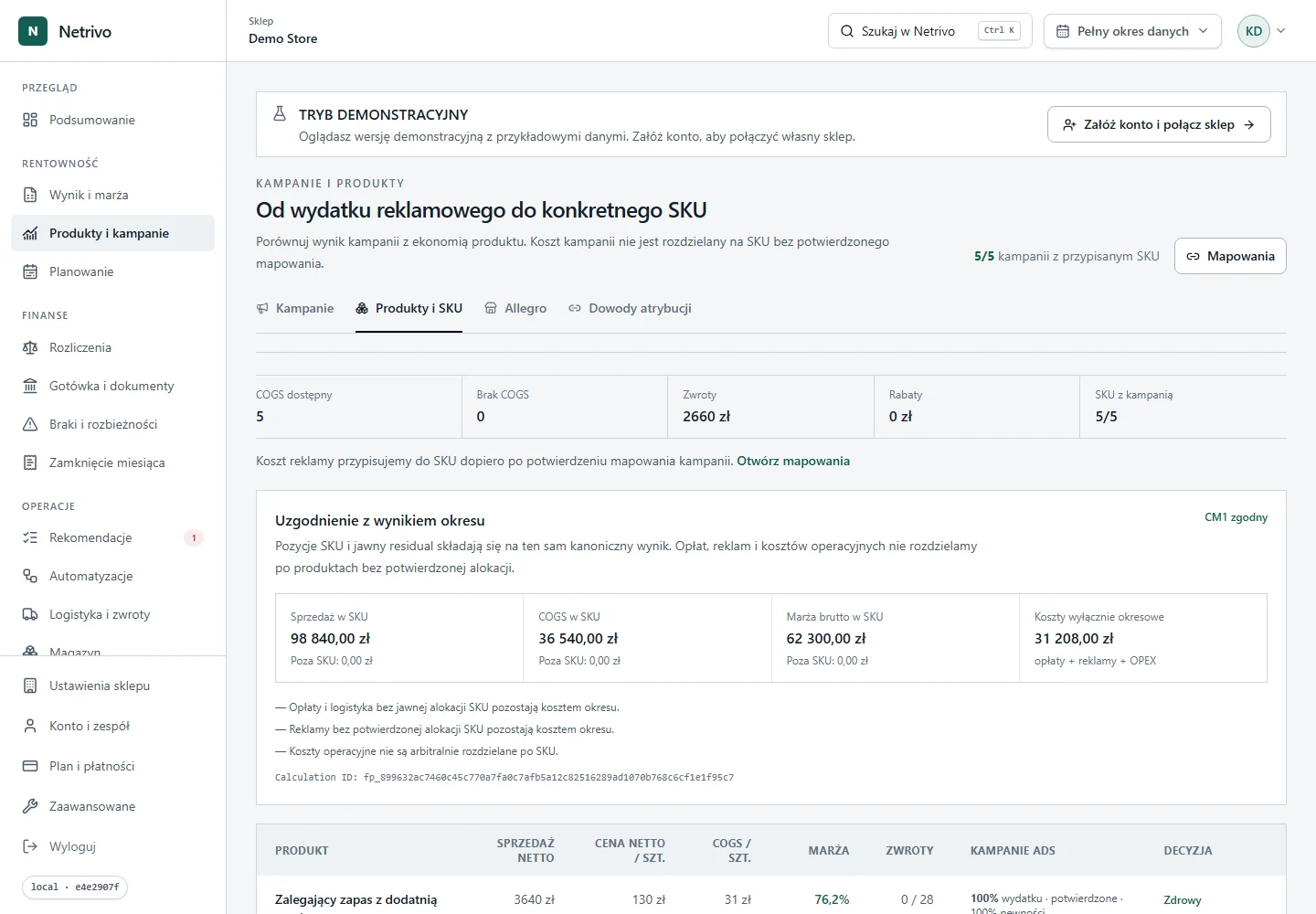
Find SKU without COGS
Filter sales whose product cost has not been confirmed.
Shopify
Limited accessShopify supplies orders, discounts and returns. COGS is used only when present; missing product cost remains a visible gap.
The connector has not completed live certification for public self-service.
Filter sales whose product cost has not been confirmed.
Compare revenue before and after returns in the selected period.
See which discounts consume product margin.
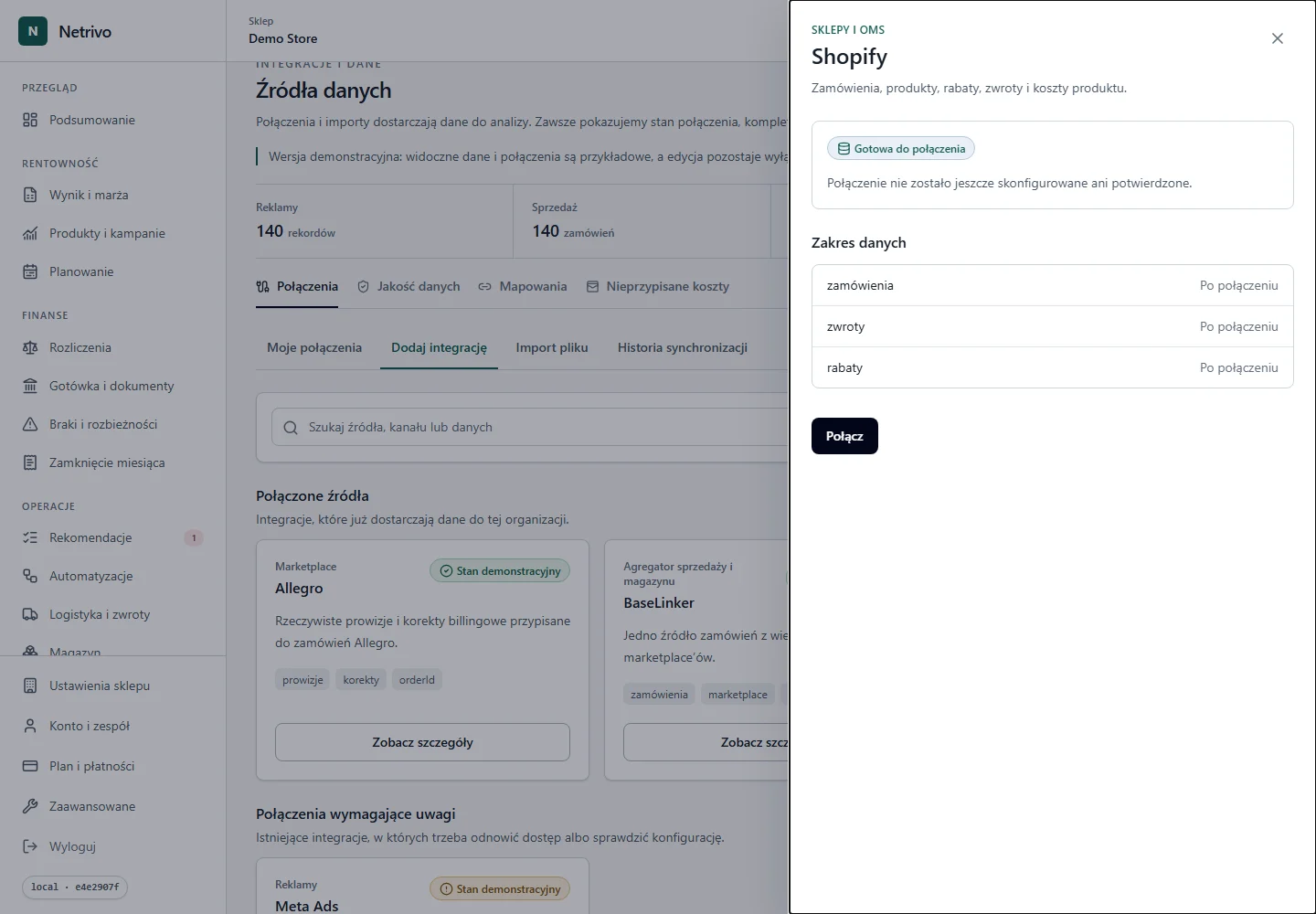
The domain and Admin API token identify the store and permissions.
Initial sync imports the supported sales range.
Line items are matched to SKU; missing COGS never becomes zero.
Revenue, discounts, returns and available costs form the result.
We show only fields actually supported by the integration. Not every account has to return every value.
| Data | Impact | Condition |
|---|---|---|
| zamówienia | Revenue and order count | Only when returned by the source |
| zwroty | Revenue and result adjustment | Only when returned by the source |
| rabaty | Revenue after discounts | Only when returned by the source |
| COGS | Product cost only when the source provides it | Only when returned by the source |
Each order can be read after discounts, returns and available costs.
Order lines join sales with product cost when available.
Netrivo shows products without COGS instead of overstating contribution.
The connector has not completed live certification for public self-service.
Enter the store domain and Admin API access token, run the connection test, then start the initial sync. The webhook secret is optional until webhooks are enabled.
Initial sync imports the supported order range. The range is shown in connection state and depends on API permissions.
Credentials are sent only to the backend and stored encrypted. Tokens and secrets are never placed in the browser, public logs or screenshots.
Check the domain, token validity and Admin API scopes. After correcting them, reverify; a failed test is not stored as a data-bearing connection.
The public pilot is certified, but production synchronization must be enabled for the environment.
The connector has not completed live certification for public self-service.