PrestaShop sales contribution
Sales feeds store and product contribution after available costs.
PrestaShop
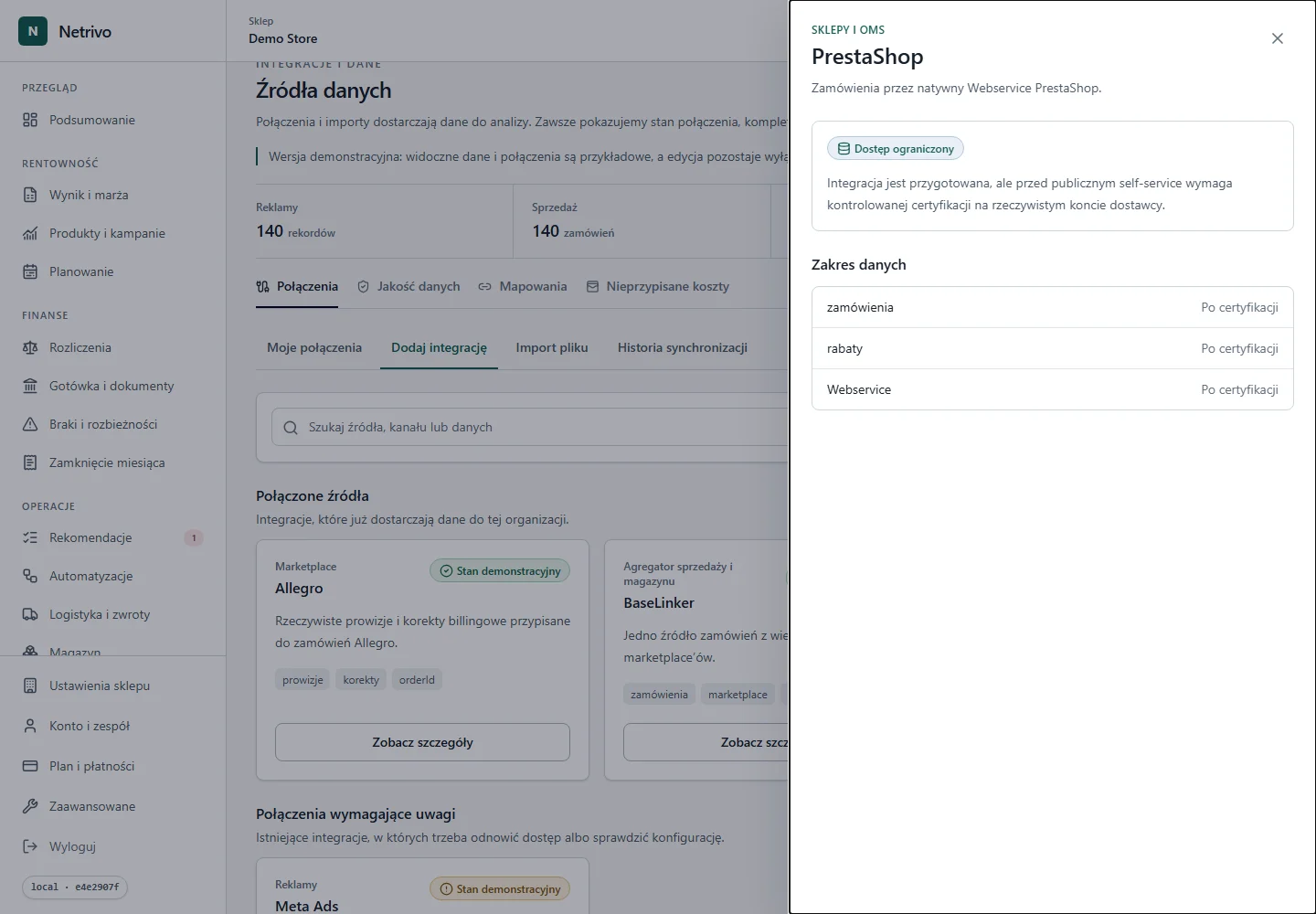
Limited accessThe native Webservice supplies orders and discounts. Netrivo preserves source IDs and shows cost gaps separately.
The connector has not completed live certification for public self-service.
Sales feeds store and product contribution after available costs.
Netrivo shows which PrestaShop evidence is missing in the selected period.
Lineage identifies the source and sync that changed the calculation.
The HTTPS URL and Webservice key are verified through a safe read call.
Orders and currencies are normalized without losing source IDs.
Sales feeds store and product contribution after available costs.
We show only fields actually supported by the integration. Not every account has to return every value.
| Data | Impact | Condition |
|---|---|---|
| zamówienia | “zamówienia” data is preserved within the provider contract and contributes to prestashop sales contribution. | Only when returned by the source |
| rabaty | “rabaty” data is preserved within the provider contract and contributes to prestashop sales contribution. | Only when returned by the source |
| Webservice | “Webservice” data is preserved within the provider contract and contributes to prestashop sales contribution. | Only when returned by the source |
The native Webservice supplies orders and discounts. Netrivo preserves source IDs and shows cost gaps separately.
The connector has not completed live certification for public self-service.
Enable Webservice and grant the key GET access to orders and currencies; use a public HTTPS URL.
Range depends on orders available through Webservice and the selected sync window.
Credentials are sent only to the backend and stored encrypted. Tokens and secrets are never placed in the browser, public logs or screenshots.
Verify the key, GET permissions, HTTPS and server rules protecting the Webservice endpoint.
Public self-service remains gated pending live certification.
The connector has not completed live certification for public self-service.